Your iPhone is a reference
preview monitor for Premiere

see exactly how your edit looks and sounds on a real iPhone, with tools built in.
Windows & macOS Plugin installers · iPhone iOS app

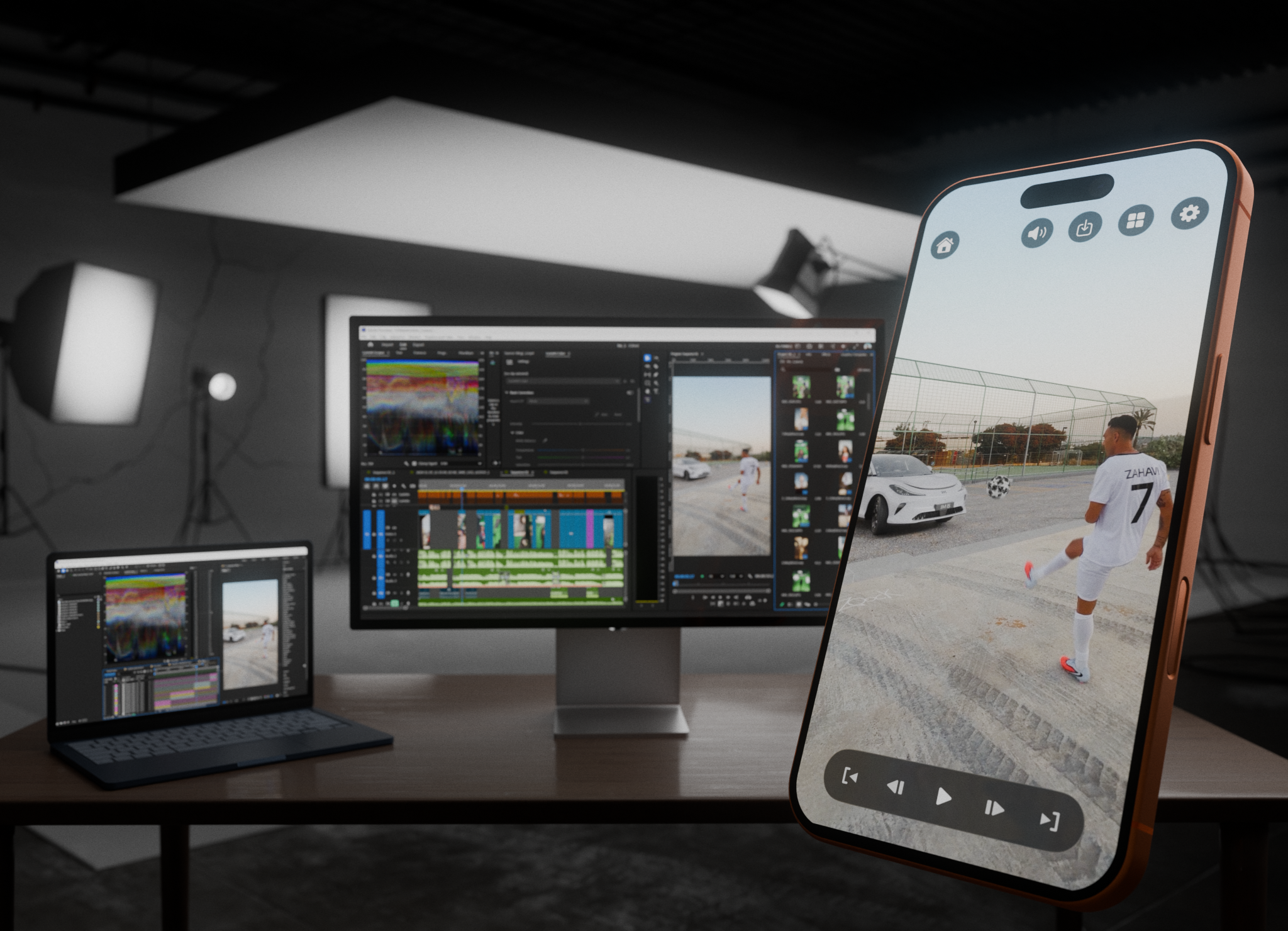
Judge framing and audio on the real device your audience watches. Live, while you edit.
- No render
- No AirDrop
- No guessing from a desktop monitor
See exactly how it lands on social - before you ever post - so your framing comes out perfect.
TikTokInstagram ReelsYouTube ShortsUniversal safe zoneEditable profile, captions, likes
Learn morePro-grade controls for total command.
Playback controlFrame-by-frame stepDownload a frame at full-res
Learn moreA GPU-accelerated engine pushes the picture over Wi-Fi in real time.
H.265 / H.264Resolution PickerGOP modeEncoder engine
Learn moreHow it works
Streaming in three steps
From a fresh install to a live preview in a couple of minutes.
Step 1
Install the plugin
Download the free PreviewMonitor plugin for your Mac or PC and run the installer.
Step 2
Enable it in your app
Restart Premiere or After Effects, then turn PreviewMonitor on in the Playback / Video Preview settings.
Step 3
Connect your iPhone
With both devices on the same Wi-Fi, your computer appears in the app. Tap it to start streaming.
Get the picture on your iPhone
Install the free desktop plugin, then get the iPhone app — free to download with a 7-day trial. Monitor a Clip is always free.
and the desktop plugin