Plugin update required
The iPhone shows a Plugin Update sheet and won't stream, or suggests an update. Update the plugin on the computer and connect again.
"The iPhone says my plugin needs an update."
The iPhone app and the plugin on your computer have to be recent enough for each other. When the plugin is too old, the iPhone stops before connecting and shows a Plugin Update sheet. When it is only slightly behind, you can keep streaming and update later.
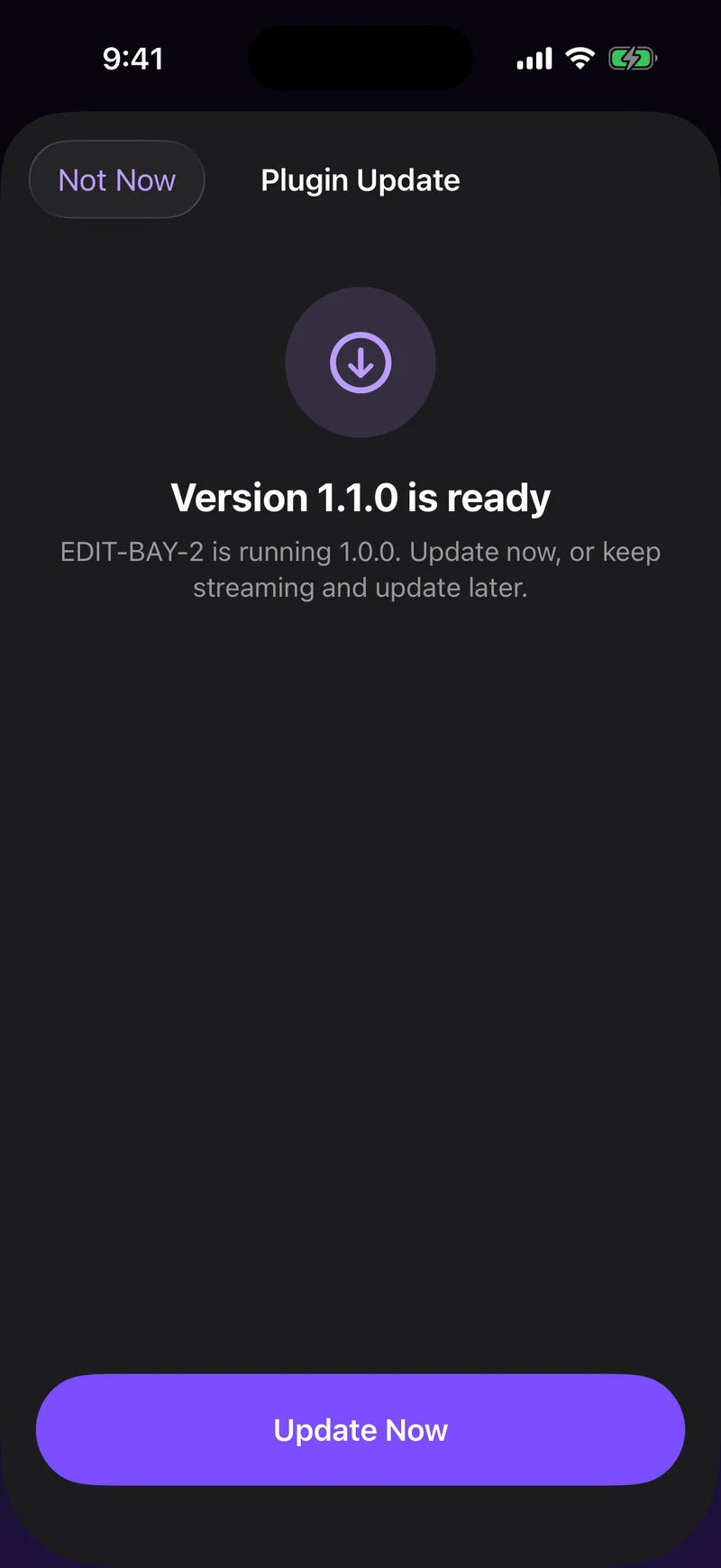 The sheet names the computer and the version it runs. Not Now closes it, but a computer that is too old asks again on the next connect.
Try this first
- Tap Update Now on the iPhone.
- If the sheet switches to Install on <computer>, download the installer on that computer from previewmonitor.app/download and run it. Copy Download Link puts the address on the iPhone's clipboard if you want to send it to yourself.
- When the installer finishes, open Premiere or After Effects again and tap the computer on the iPhone's Home screen.
The installer goes over the old plugin. There's nothing to uninstall, and your pairing and settings stay as they are.
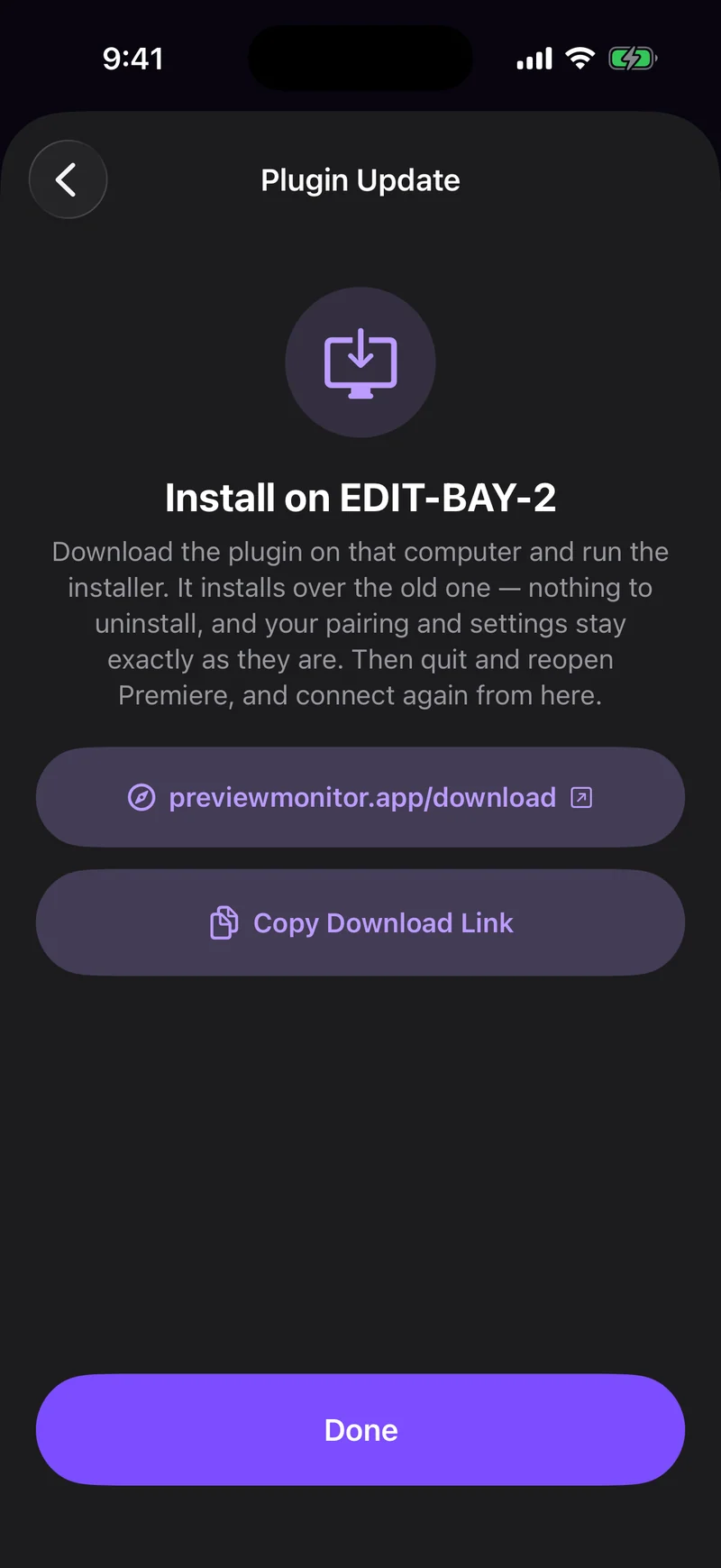 This page appears when the iPhone isn't streaming from that computer, or the computer can't open its own updater.
The two kinds of update message
| What the iPhone shows | What it means | Can you keep streaming? |
|---|---|---|
| Plugin Update sheet when you tap the computer, saying Update it and you’re straight back to streaming. | The plugin is older than this app supports | No. Update first |
| The same sheet once when a stream starts, saying Update now, or keep streaming and update later. | A newer plugin is out | Yes |
| Plugin Update Available row at the top of Home, with How to Update | A newer plugin is out | Yes. Swipe left on the row to dismiss it until the next version |
| Plugin Update card with Update Plugin in the stream settings (gear) | A newer plugin is out | Yes |
Update from the iPhone while streaming
When a newer plugin is out and you're streaming, Update Now asks the computer to show its own update window.
- The iPhone shows Contacting <computer>…, then Confirm on <computer>.
- On the computer, click Update now in the PreviewMonitor window that appears.
- The Adobe app closes and the installer runs. Follow it to the end.
- On the installer's last screen, open Premiere or After Effects again, then connect from the iPhone.
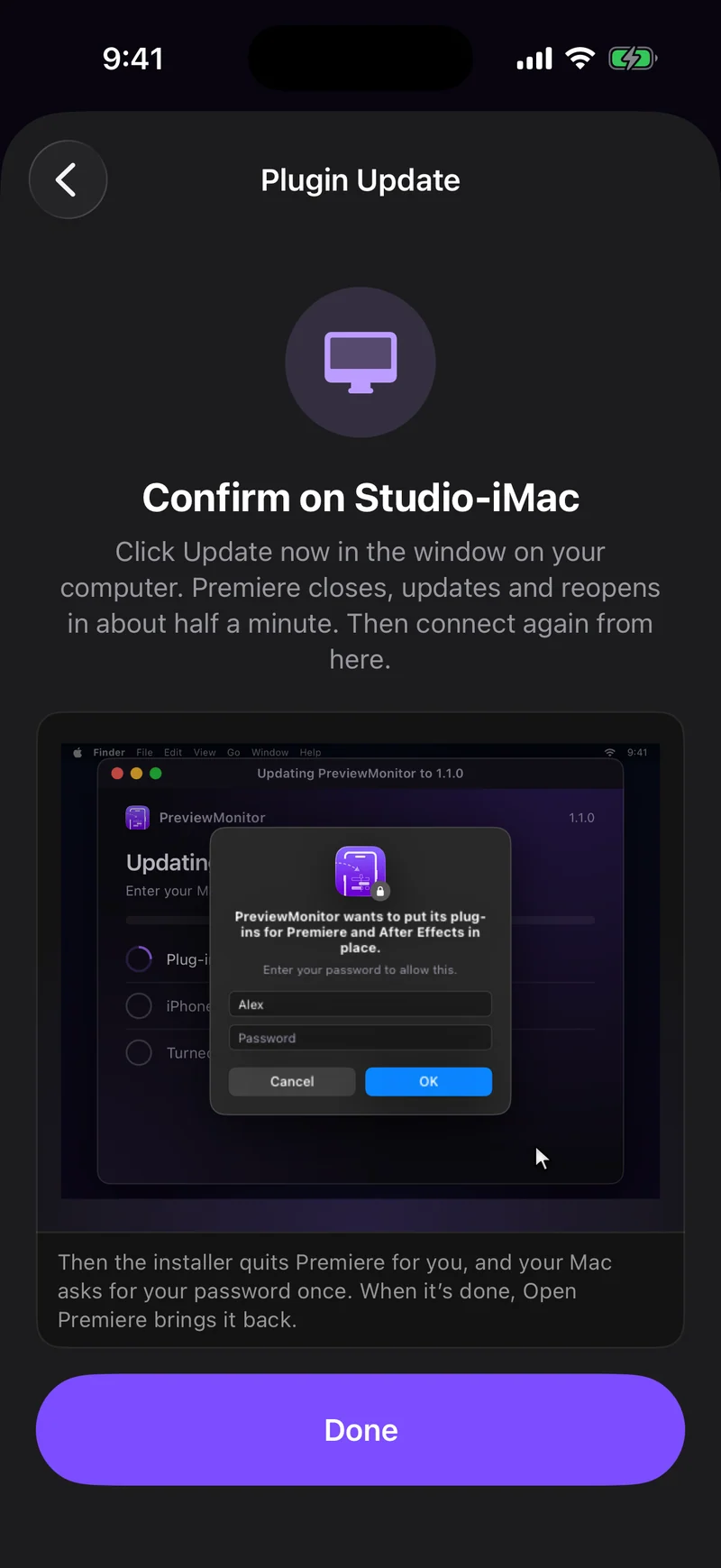 The drawing shows what follows on a Mac after you click Update now: the installer runs and asks for your password once.
The computer only shows Update now once the new installer is ready on it. If it hasn't, or the computer doesn't answer within a few seconds, the iPhone switches to the Install on page and you download the installer yourself.
Save your work before you click Update now. The Adobe app closes to update. On Windows, if the update starts while Premiere's Preferences dialog is open, the dialog closes without saving changes you made in it.
If that didn't work
1. The sheet comes back after you installed
How to tell: the version on the sheet didn't change.
Fix: quit and reopen Premiere or After Effects. The new plugin loads only when the Adobe app starts. On a Mac, make sure you ran Install PreviewMonitor from the new download.
2. The installer says Close Adobe apps
The installer won't continue while Premiere or After Effects is open, and lists every Adobe app it needs closed. Click Close them for me (Mac: Quit them for me), or save and close them yourself. It never force-quits them, so answer any save prompts.
3. You can't install on that computer
On a managed computer you may not be allowed to run installers. Ask your IT team to install the latest PreviewMonitor from previewmonitor.app/download. Until then, the iPhone won't stream from a computer whose plugin is below the minimum.
More on how updates reach the computer, including the daily update check, on Updates.
Still asking
If the installer finishes without errors and the iPhone still shows the same old version after you restart the Adobe app, send the installer log and plugin logs through Contact. Logs and support reports shows where to find them.
Last updated on
Transport buttons not working
Play, pause, frame step or Go to In and Out on the iPhone do nothing in Premiere or After Effects. Check the Control Surface entry or reinstall.
Reset and reinstall
Start over on the iPhone, forget paired devices, reinstall the plugin, or remove PreviewMonitor from a Windows PC or a Mac.